![alcomy_logo_color_black.png]](https://help.alcomy.com/hs-fs/hubfs/alcomy_logo_color_black.png?height=50&name=alcomy_logo_color_black.png)
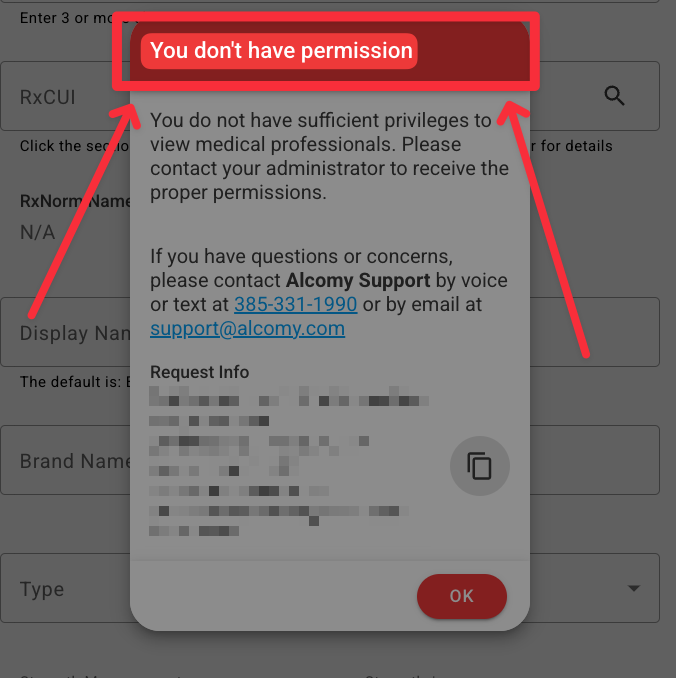
When a user tries to perform an action in Alcomy that they do not have access to do, a message will pop up that says "You don't have permission". This means the role the user was assigned does not allow them to complete that action.
Only users with access to change role permissions (usually administrators) can change the role type to allow this action to be completed. Please reach out to your administrator to get this resolved.
For Administrators: To change the necessary permission go to configuration > roles > select the applicable role > turn on related permissions.
For users: On phone or tablet: After the permission has been turned on, please login and logout for the permission to take place. On website: Refresh the webpage and try again.
🎉 Success! Now you can complete the action you were previously trying to do.