![alcomy_logo_color_black.png]](https://help.alcomy.com/hs-fs/hubfs/alcomy_logo_color_black.png?height=50&name=alcomy_logo_color_black.png)
Just like Instagram or Facebook, you can receive notifications directly to your mobile device. There are a couple steps to set this up.
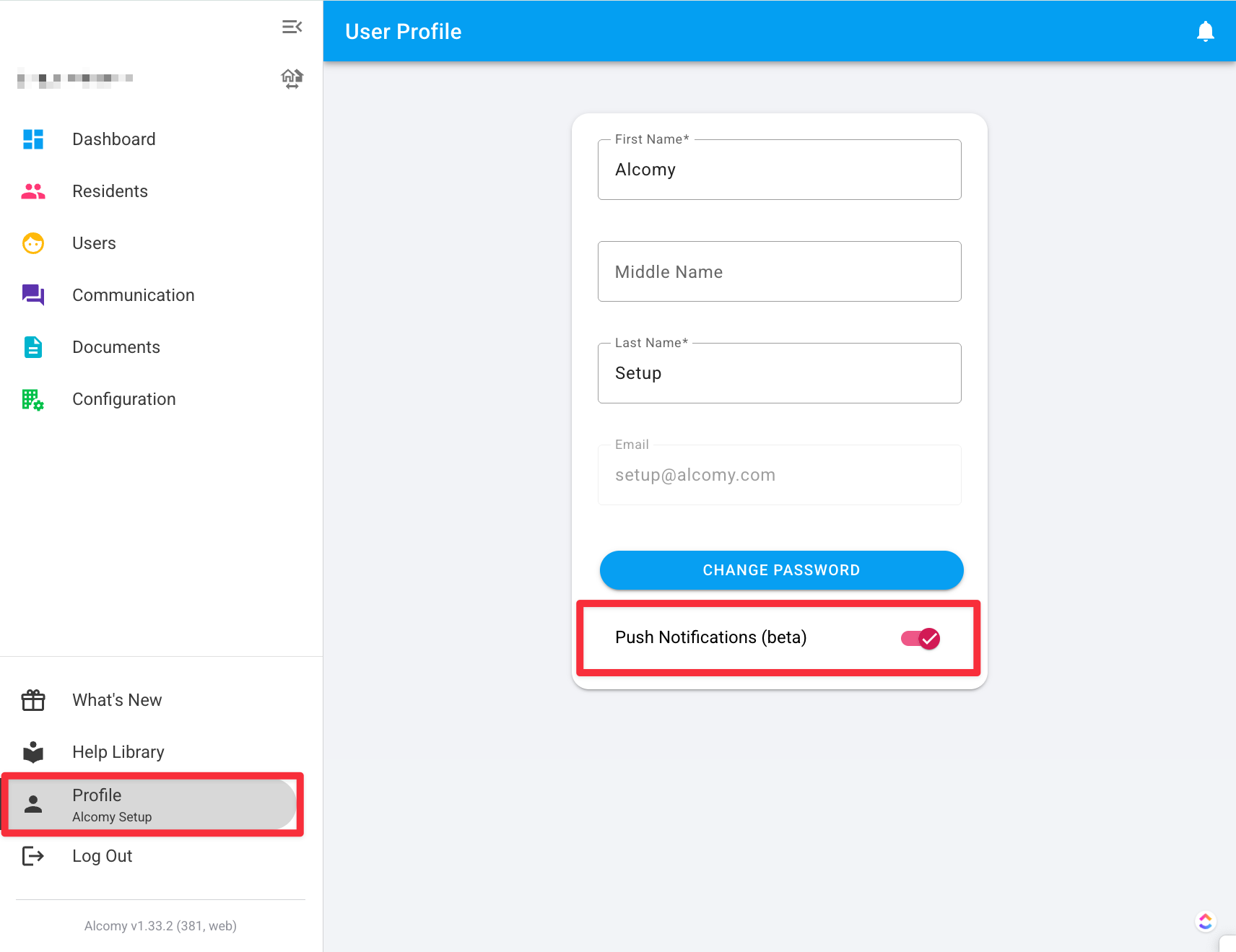
Step 1: Ensure that under your profile, you have push notifications set to 'On'
Step 2: Ensure that in your device settings (apple or android specific settings) that you have notifications turned on to be received.
Step 3: Go to Configuration > Settings > and select the Notifications Tab at the top. Here you can customize which settings are turned on to receive notifications.
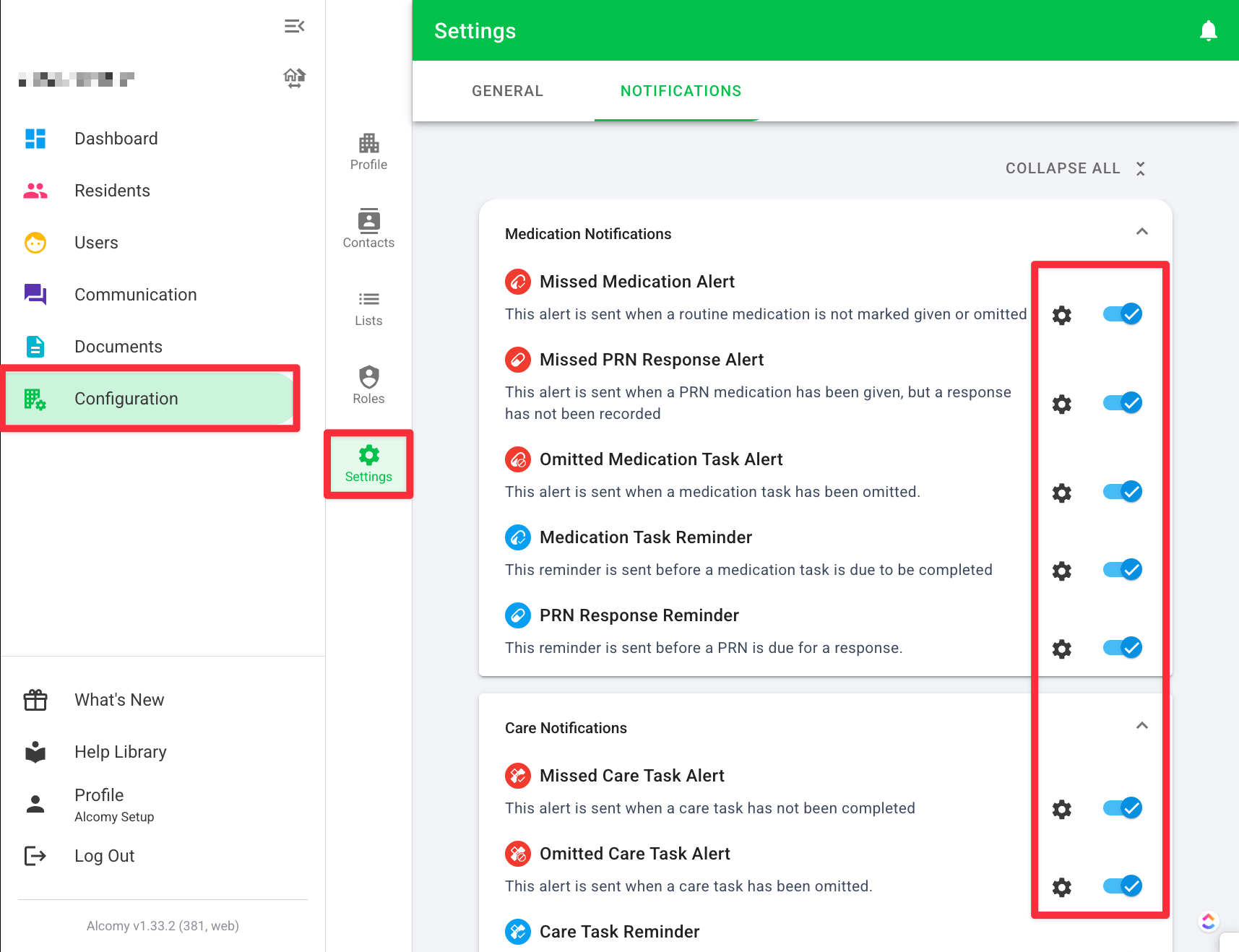
🎉 Success! Now your device will receive notifications for the selected items.
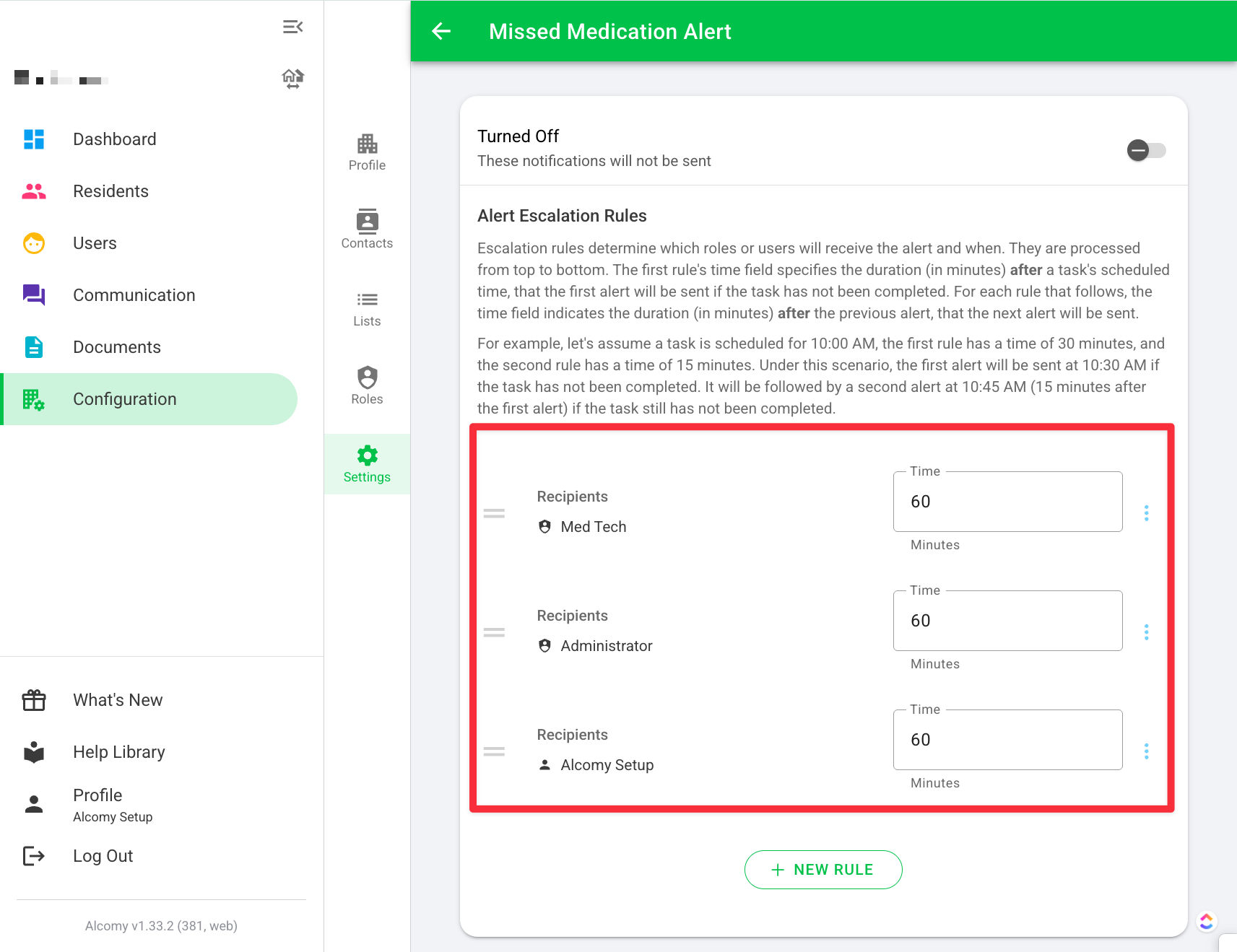
If you click into the ⚙️ gear icon in each setting, you can customize which roles will receive notifications and when they should be sent.