![alcomy_logo_color_black.png]](https://help.alcomy.com/hs-fs/hubfs/alcomy_logo_color_black.png?height=50&name=alcomy_logo_color_black.png)

Setting Up Rooms
To set up rooms in your facility, go to Configuration, then click on Rooms.
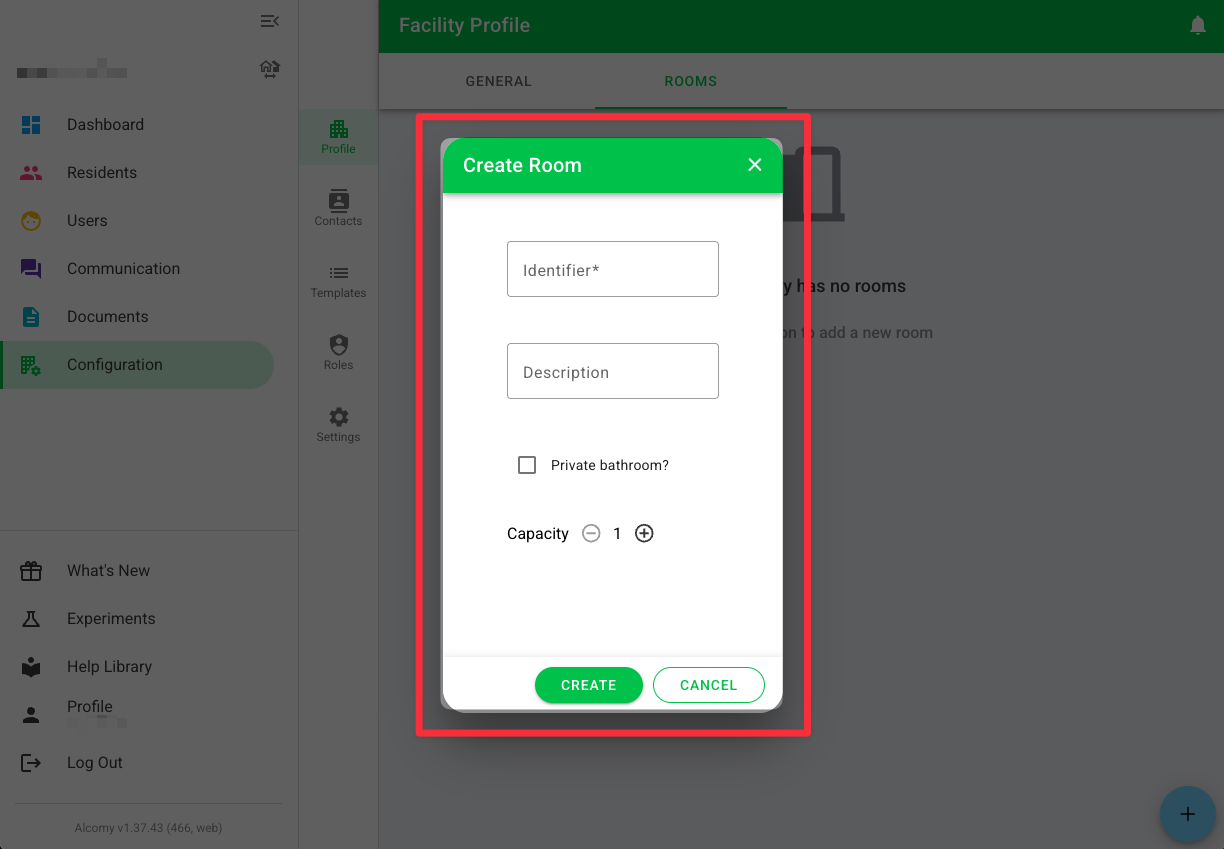
You can then click +sign in the bottom right hand side to add a room.

You will then be prompted with a pop up where you can enter each room you would like to add to your facility. The 'Identifier' is what you would like to name the room. For example, you may name your rooms something like: 16A, NW, Room 4, etc.