![alcomy_logo_color_black.png]](https://help.alcomy.com/hs-fs/hubfs/alcomy_logo_color_black.png?height=50&name=alcomy_logo_color_black.png)
Step 1: Setup Alcomy Account
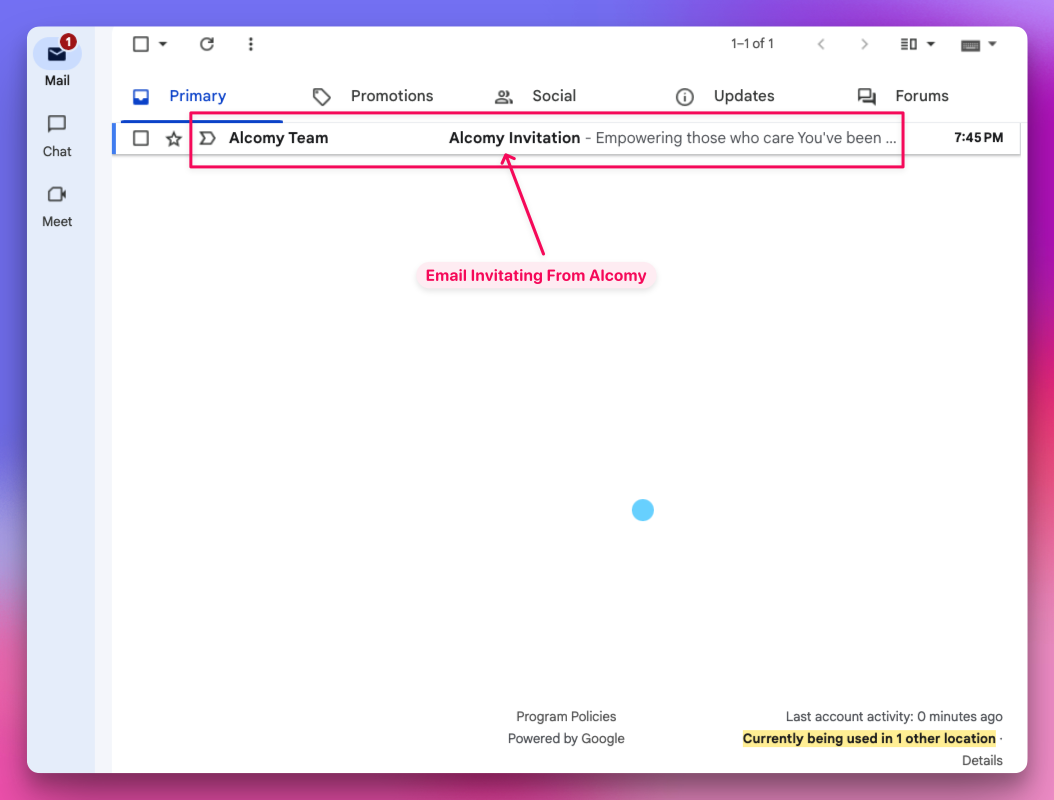
💡 TIP 1 If the user cannot find the email, check the following folders: spam, updates, promotions, social, or forums. They can also simply search for "Alcomy Invitation" which should show the email or search "Alcomy Team"
Open the Email from Alcomy Team:
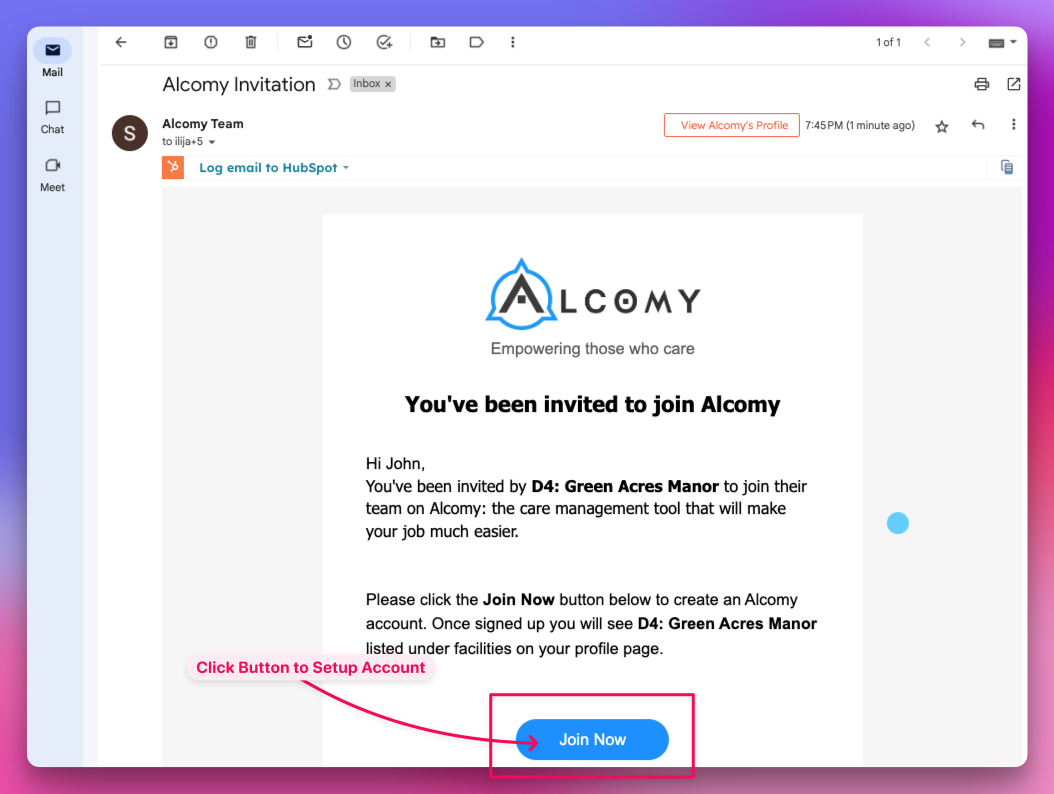
Click the Join Now Button:
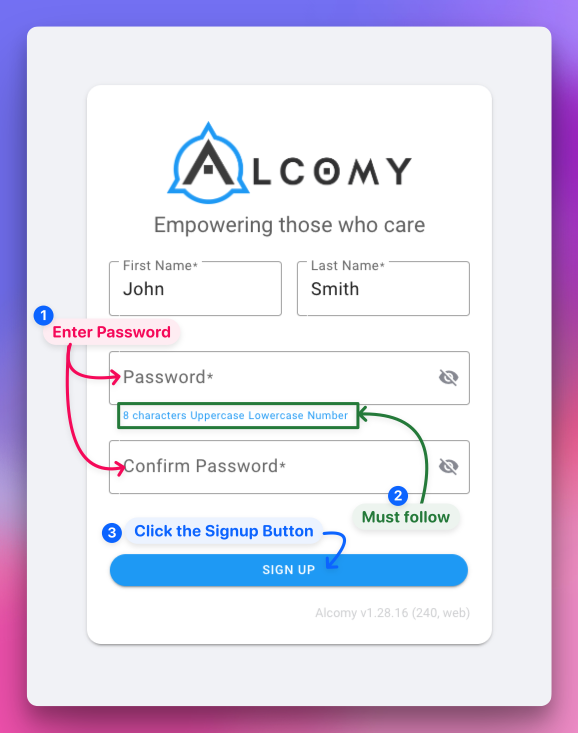
You will be directed to the Create Account page where you will enter the password to your Alcomy Account:
💡 TIP Your Alcomy password requires a minimum of 8 characters which must consist of at least 1 uppercase, 1 lowercase, and 1 number.
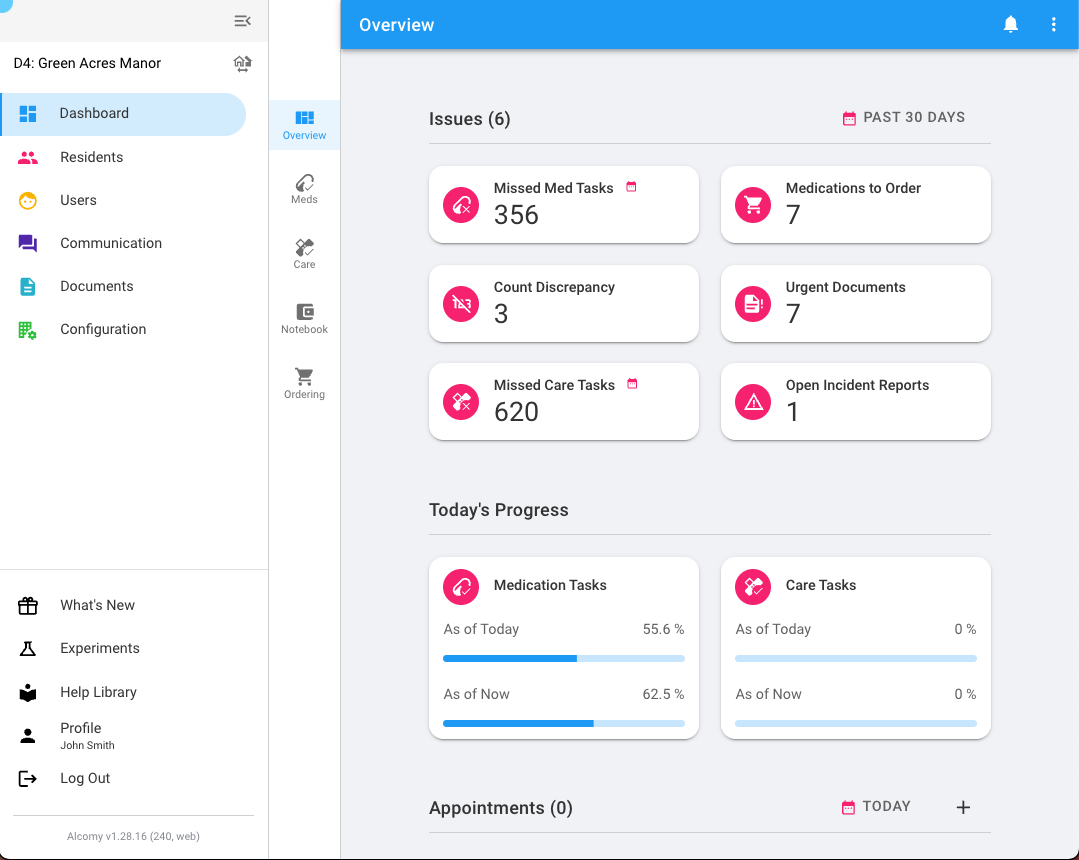
The user is then logged into Alcomy.
💡TIP By default the user is logged into the web browser version of Alcomy. This occurs regardless of what type of device they may be logging in on Phone, Tablet, or Computer. Proceed to the final step (Step 3) to download the app from either the Apple or Andriod App Stores if you wish to be able to access the native mobile app for either Apple or Android.
Step 2: Install App
Click the following button to go directly to the App Store of your device:
💡 TIP It's best to do this on your mobile device. After downloading the App. Place it where you want it on your phone and log in using the email and password you did in the steps above.